
KNOWLEDGE · remote control LED bulb sample test
How to Test a Remote-Control LED Bulb Sample
Test the bulb and its matched remote as one product. Verify the quoted model, base and voltage, operate every required button, then check range, pairing, multi-bulb behaviour and restart state in representative conditions. Approve the selling unit and written specification only after discrepancies are resolved.Published August 30, 2026 · Updated November 14, 2026 · Shieldaily Editorial Team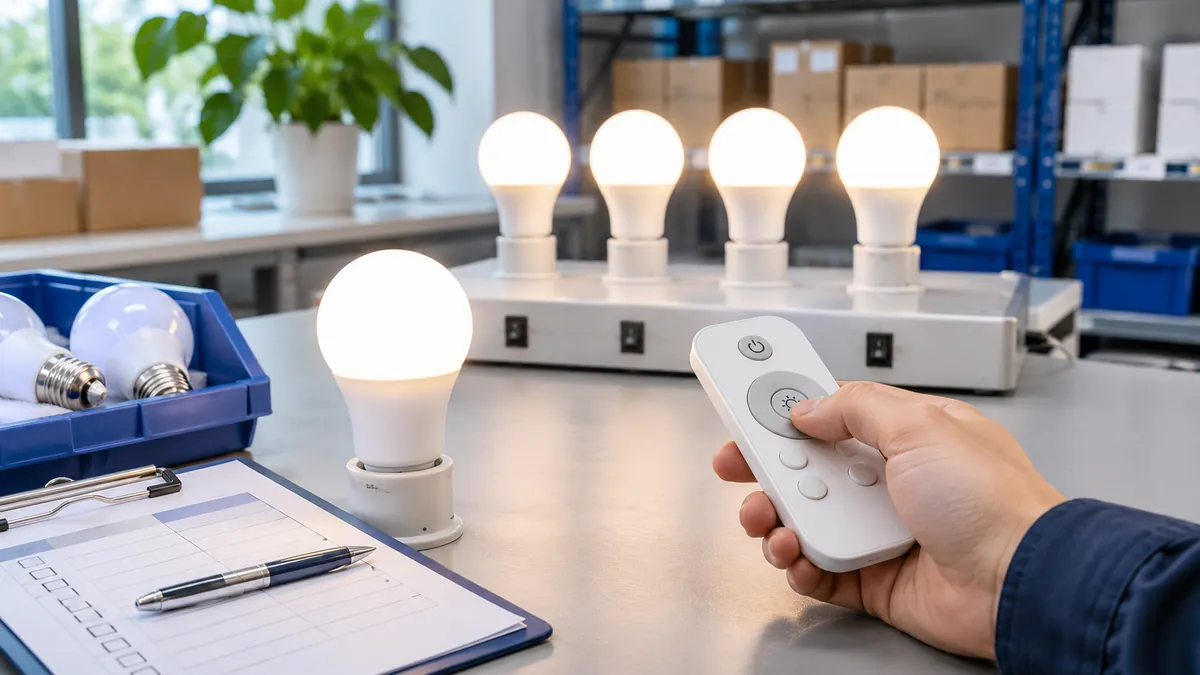
A remote-control bulb sample should answer more than whether the lamp turns on. Buyers need to know whether the supplied controller matches the bulb, how pairing works, what the remote can control and what returns after power is interrupted.
Use the actual fitting and intended number of bulbs. Keep a short test record so a quotation, retail instruction and bulk-order check refer to the same configuration. Record failures and approved settings so the supplier can reproduce the result before a volume order.
Confirm the Sample Matches the Quoted Product
Compare the physical bulb, rating label, base, voltage, remote model and accessories with the quotation. Record the identifier on each item and note any temporary sample packaging. If the sample uses a different controller or electrical version, it cannot confirm the final selling unit until that difference is resolved.
Compare product options: Remote-control bulb range
Test Every Required Remote Function
Operate on/off, brightness, white-light adjustment, colour modes, presets or timer only where they are part of the requested configuration. Test each button across the expected control range and check whether it changes the intended bulb. A feature shown in a catalogue picture is not a verified feature of the supplied sample.
Test Distance, Angle and Response
Measure response at the distances and positions relevant to the intended room, including any obstacles. Record the remote battery state and the test location. A single command at close range is not a range test. Note delayed or missed responses with enough detail that the same conditions can be repeated.
Check Pairing and Coding
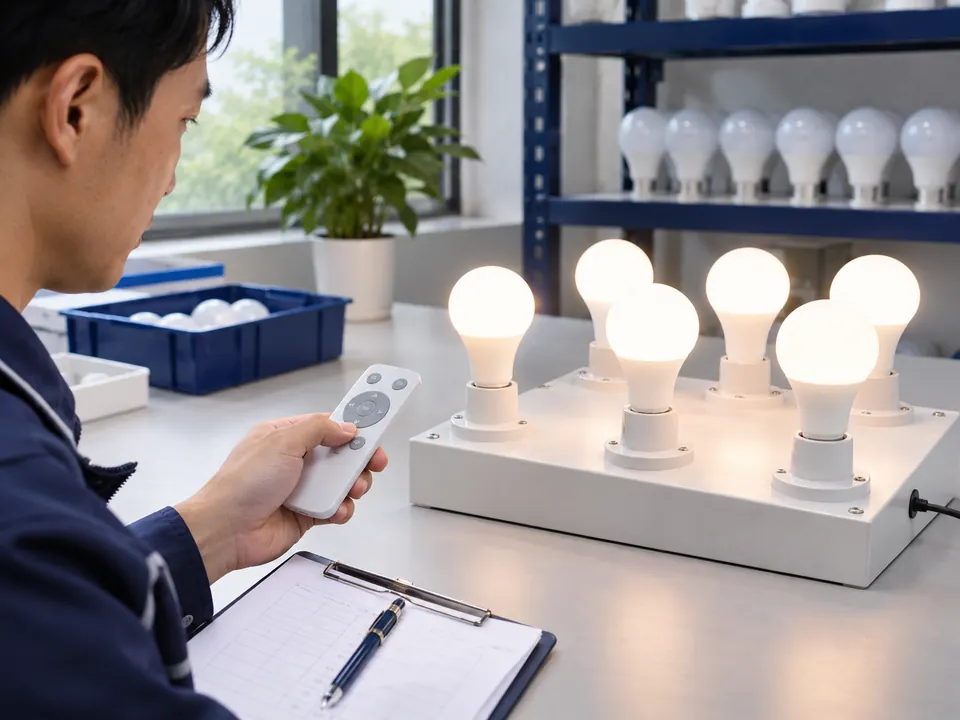
Follow the supplied instructions to pair or reset the bulb and remote. Ask whether a replacement controller can be added and whether pairing is retained after power cycling. If a code or channel must be selected, check the steps a customer will actually perform. The final manual should match this tested sequence.
Related buyer guide: Wholesale selection guide
Test One-to-One, One-to-Many and Group Control
Test the configuration required by the order rather than assuming all three modes are supported. Add the planned lamp count, create groups if offered and check whether commands reach the intended lamps together. Record how a group is created or changed and whether another remote interferes in the test setting.
Check Behaviour After Power Returns
Set a known brightness and colour temperature, interrupt wall power and then restore it. Observe the start-up state, memory and response to the next remote command. Repeat after short and longer interruptions if the customer experience depends on it. Put the observed behaviour in the product instructions and approval notes.
Verify the Complete Selling Unit
Count bulbs, remotes, batteries where agreed, instructions, labels and cartons. A sample in a plain box may be acceptable for function review, but it cannot approve final retail artwork or a promised battery. Compare pack text with the actual controls and state what differs before the order is released.
Record Problems Before Approval
Describe any missed command, unexpected restart, flicker or pack mismatch with the bulb and remote IDs, distance, power arrangement and video or photos. Agree whether the supplier will adjust the model, replace a component or clarify instructions. Test a revised sample when a change affects the promised function.
Plan the market or application: Distributor solution
Confirm the Final Bulk-Order Reference
Approve the model, controller, electrical and lighting data, selling-unit contents, artwork and test conditions in writing. Keep the tested sample or a documented reference for later batch checks. If a later order changes the remote or bulb, review that new combination rather than assuming the old approval still applies.
When your brief is ready: Send a tested brief
FAQ
Frequently asked questions
How many bulbs should I test with one remote?
Test the number planned for the installation or retail claim. One successful bulb does not establish one-to-many or group operation.Does pairing need to be tested again after a power cut?
Yes. Check whether the selected bulb retains its pairing and state after power is restored, then record the observed behaviour.Is the pictured remote enough to approve the set?
No. Confirm the actual remote model, battery, instructions and quantity in the sampled selling unit and quotation.What should I record when range seems inconsistent?
Record distance, angle, obstacles, battery state, bulb count and missed commands. Those conditions make the issue repeatable.RELATED RESOURCES
Continue your product review
Wall Dimming vs Step Dimming: Which Method Should Buyers Choose?
Compare wall-dimmer and switch-step LED bulbs, low-level performance, compatibility testing and the specification needed for a wholesale order.Read articleRGB vs RGBW vs RGB+CCT LED Bulbs
Compare colour channels, useful white light, controllers and sample tests when choosing RGB, RGBW or RGB+CCT LED bulbs.Read articleHow to Choose Smart Wi-Fi LED Bulbs for Different Markets
Choose smart Wi-Fi bulbs by app experience, network requirements, offline behaviour, market fit and sample testing before a retail launch.Read articleHAVE A PRODUCT IN MIND?
Discuss Your LED Bulb Requirements
Share your market, selected product, required functions, quantity and packaging needs so the exact configuration can be reviewed for a quotation.