
INDUSTRY NEWS · LED dimming performance
Why Dimming Performance Is a Product Quality Differentiator
A dimmable label is not a performance test. Buyers should assess the selected bulb with the intended wall dimmer, switch, remote or app: does it start at low brightness, adjust smoothly, avoid visible flicker and buzzing, and behave consistently with several lamps? Record the control equipment and conditions before approving the model.Local preview · November 12, 2026 · Shieldaily Editorial Team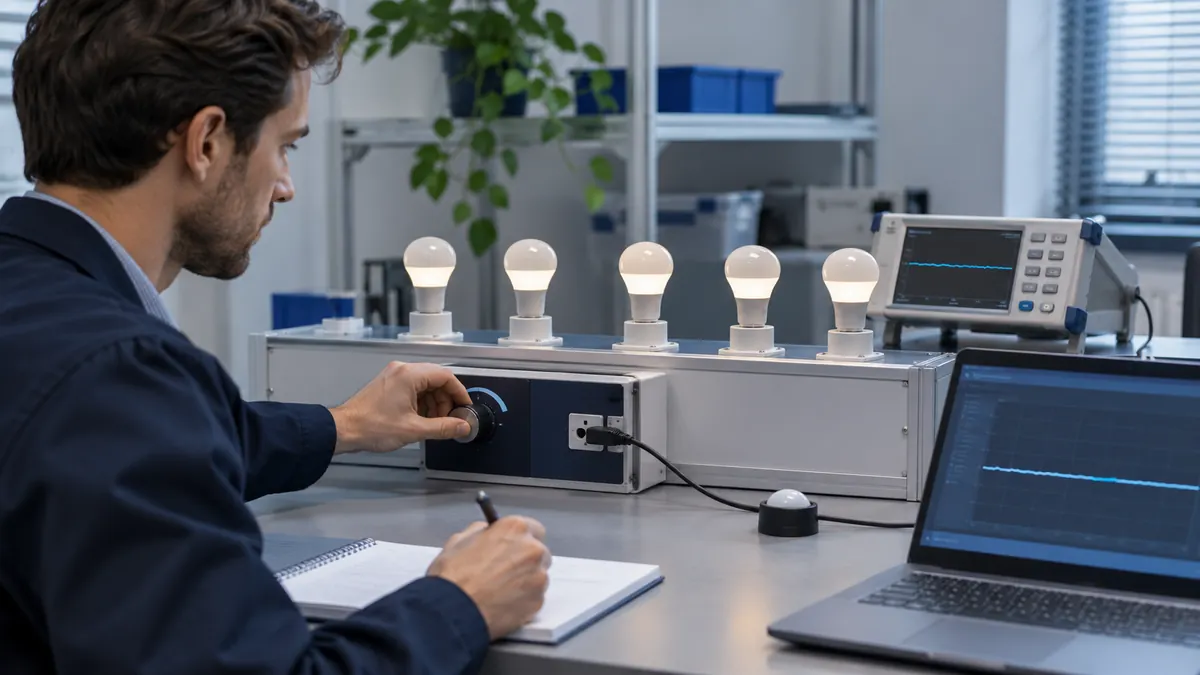
Dimming problems often appear in the room rather than in a specification table. A lamp may perform well at full output yet flicker near its lowest level, buzz with one dimmer or fail to start when several bulbs share a circuit.
These observations can affect customer satisfaction and installation support. Buyers should make low-level and multi-lamp testing part of sample approval, then describe the exact control method in the pack. Low-level behaviour should be observed in the planned circuit, where instability is often easiest to notice.
Why the Dimmable Label Is Not Enough
The label states an intended capability but does not identify a compatible control method or usable range. Wall, step, remote and app dimming use different hardware and instructions. Ask what the selected model is designed to work with, then test that arrangement. Do not convert a generic dimmable claim into universal wall-dimmer compatibility.
Related buyer guide: Wall versus step dimming
Low-Brightness Start-Up
Set the intended controller near its lowest useful setting and switch power on. Observe whether the lamp starts reliably, delays or flashes. Repeat after a cold period and with the expected number of bulbs. A product that can dim low after starting at full brightness may still be unsuitable if it cannot start at the customer's normal setting.
Usable Dimming Range
Compare the brightest and lowest useful settings under the planned control. An advertised percentage may not describe perceived room light or stability. Record where adjustment becomes ineffective or the lamp drops out. The buyer should define a useful range for the application rather than demand the lowest possible number without context.
Check performance across the usable range
| Compare | Buyer check |
|---|---|
| Low-level start | Observe whether the selected bulb starts reliably with the intended control. |
| Adjustment | Look for visible jumps, flicker or audible buzzing. |
| Multi-lamp circuit | Test the intended number of lamps together when relevant. |
Adjustment Smoothness
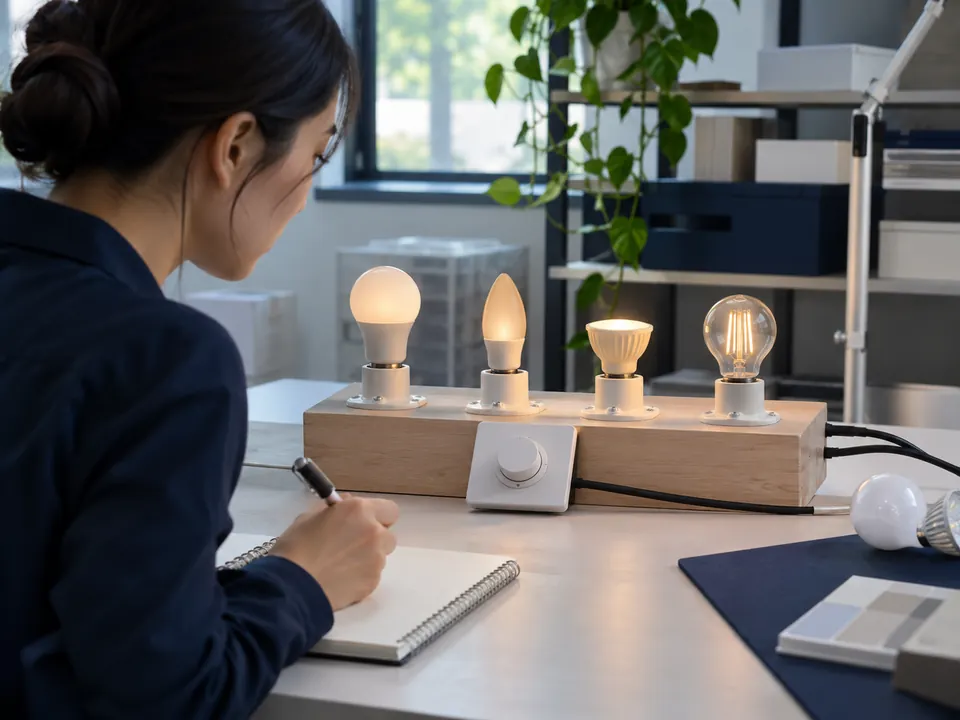
Move through the control range slowly and watch for abrupt jumps, uneven response or a delay between lamps. Step-dimming models intentionally change between presets, so evaluate them against their stated sequence rather than continuous dimming. Use a sample and written result to make the customer-facing description accurate.
Related buyer guide: LED sample approval
Flicker
Visible flicker can appear at certain levels or with certain controls. Observe the lamp directly under intended conditions and use a suitable measurement method if the application requires quantitative assessment. A phone camera can reveal an issue but is not a standardised measurement by itself. Compare the selected bulb and dimmer combination rather than relying on one lamp's full-output result.
Audible Noise
Listen near the bulb and control device at different levels in a quiet representative room. Buzzing may depend on the dimmer and load. Record which component makes the sound, the setting and the lamp count. If the application is a bedroom or hotel room, a small noise can matter more than in a busy commercial area.
Multiple Lamps on One Circuit
A dimmer can behave differently when several bulbs share it. Test the expected load and check synchronized start-up, equal output, flicker and noise. Do not assume that a single-lamp pass covers the group. Record the dimmer model, wiring and lamp count used in approval.
Testing with the Intended Dimmer
Ask the buyer for the brand and model or at least the type and installation details. Use the intended device when possible; a different demonstration dimmer may not predict the result. If the supplier offers a compatibility list, check its scope and whether the selected lamp version is included.
Compare product options: Lighting products
Reducing After-Sales Problems
Put the supported control method, setup steps and known compatibility information in the product description and instructions. Keep the tested sample and the dimmer record with the SKU. This helps sales staff avoid overpromising and gives customer support a reproducible starting point if a problem is reported.
FAQ
Frequently asked questions
Can a bulb pass a dimming test at full light only?
No. Low-level start-up, stability and smoothness must be tested with the intended controller.Does flicker always appear on every dimmer?
No. Behaviour can depend on the bulb, dimmer and load. Record the actual combination used in testing.Why can multiple bulbs change the result?
The circuit load and interaction with the controller change. Test the planned lamp count together.Should a retailer promise universal dimmer compatibility?
No. Use verified model-specific information and test the customer's intended dimmer when compatibility matters.RELATED RESOURCES
Continue your product review
How to Test a Remote-Control LED Bulb Sample
A practical test sequence for bulb-and-remote pairing, functions, range, multi-bulb control, restart behaviour and selling-unit approval.Read articleRGB vs RGBW vs RGB+CCT LED Bulbs
Compare colour channels, useful white light, controllers and sample tests when choosing RGB, RGBW or RGB+CCT LED bulbs.Read articleHow to Choose Smart Wi-Fi LED Bulbs for Different Markets
Choose smart Wi-Fi bulbs by app experience, network requirements, offline behaviour, market fit and sample testing before a retail launch.Read articleHAVE A PRODUCT IN MIND?
Discuss the Requirement for Your Market
Tell us the destination market, product type and question raised by this topic. We can review a relevant model and the information needed for your buying decision.