
COMPANY NEWS · LED bulb and remote matching
How Shieldaily Matches LED Bulbs with Controllers and Remotes
A remote-control LED bulb should be reviewed with the exact controller it will ship with. Match radio or coding, buttons and supported functions, then test pairing, distance, multi-bulb or group behaviour and restart. Record the remote model, battery and instructions in the quotation and final selling-unit specification.Local preview · November 12, 2026 · Shieldaily Editorial Team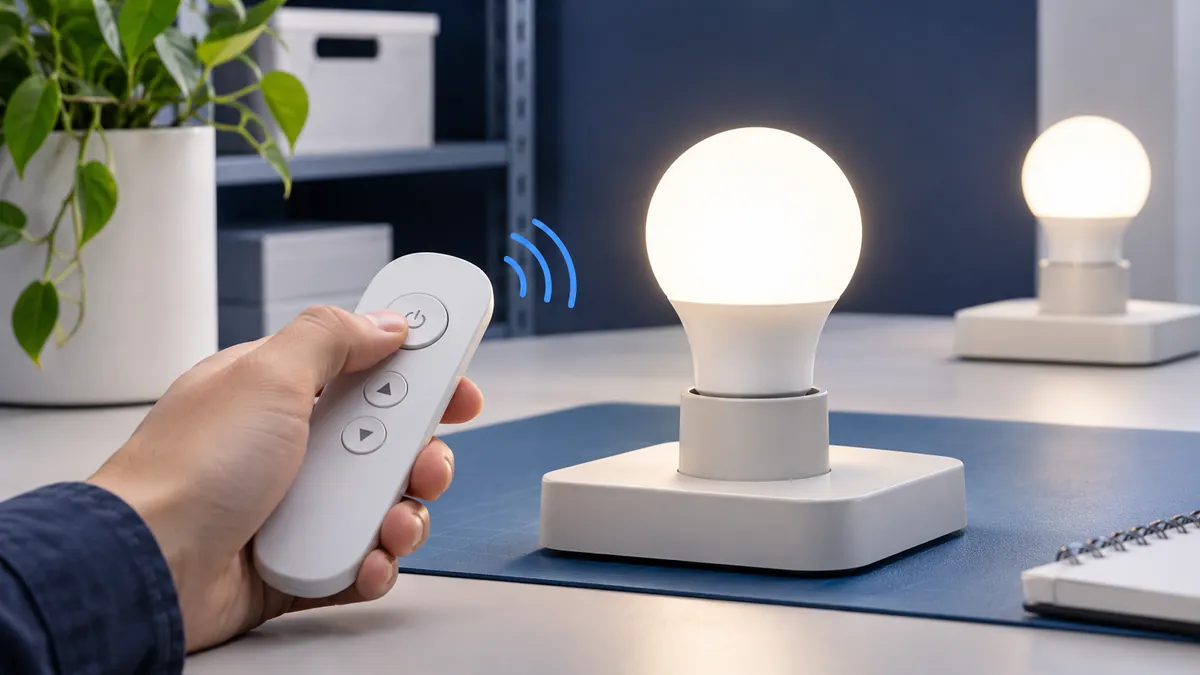
A bulb and remote can look compatible in a photograph yet fail to deliver the functions a buyer expects. Different controllers may use different coding, button layouts or group arrangements.
Our review starts by identifying the proposed bulb and remote as one configuration, then checking the controls on a sample. Pack approval follows the same principle: the buyer needs to know how many remotes and batteries are included, not merely that a remote is pictured. That record helps avoid a correct bulb being packed with an incompatible or unexpectedly different controller.
The Bulb and Remote as One Product Set
Name both models in the enquiry and quotation. A 2.4 GHz description or similar appearance does not by itself establish pairing. Check the physical bulb, controller and listed functions together. A replacement remote or updated bulb version should be treated as a new combination until tested.
Related buyer guide: Remote sample test
Control Frequency and Coding
Ask how the bulb receives commands and how a remote is paired or coded. Confirm the selected accessory's battery and any channel settings. Technical documents for a remote may cover that accessory only; do not assume they certify every paired bulb. The practical check is a repeatable pairing and operation test.
Function Matching
Map every relevant button to the bulb's actual on/off, brightness, colour-temperature, scene or timer behaviour. A controller with extra printed buttons can create false expectations if the bulb ignores them. Test the selected functions and make box and manual content match the result.
One-to-One and One-to-Many Control
Decide whether each bulb has its own remote or one controller serves several lamps. These are different selling units and installation experiences. Test the expected lamp count and note any pairing limit or setup step. Include the remote quantity in the commercial quote.
Compare product options: Remote product range
Group Control
If zones or groups are required, test creating, changing and operating them with the proposed bulbs. Check whether another remote affects the grouping and what happens after power is interrupted. Do not claim group operation from a generic family description; use the tested model and controller.
Distance, Angle and Response
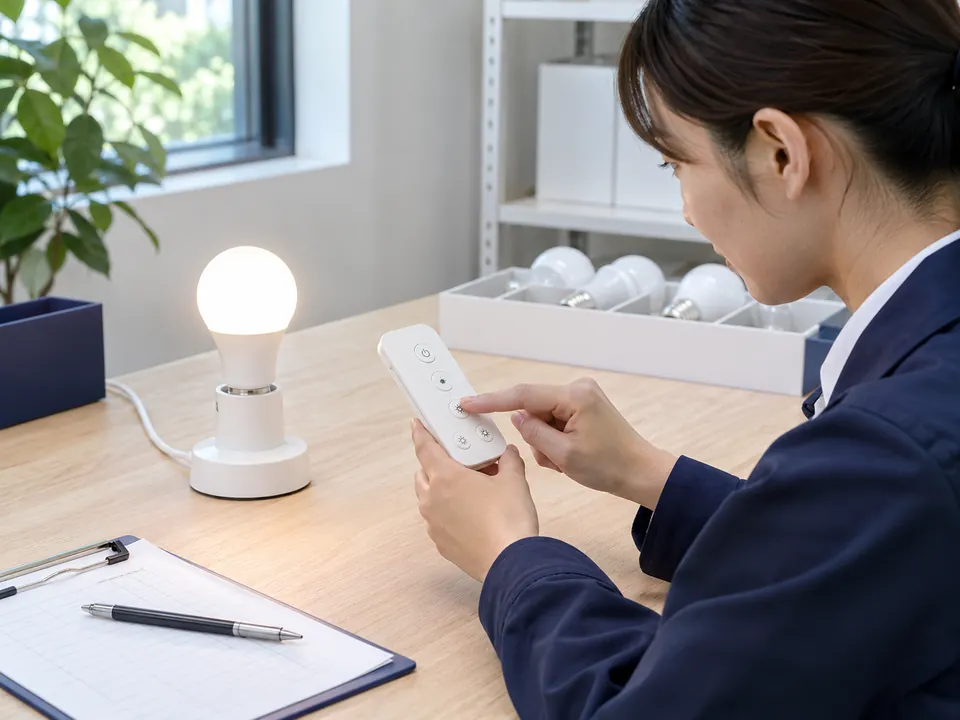
Test at the customer-relevant distances and positions with the intended environment's obstacles. Record delayed or missed commands and the battery state. A close-range demonstration does not establish a useful operating range for a hotel room or multi-bulb area.
Battery and Instructions
Identify the required remote battery and whether it is included in the pack. Check the pairing, reset and battery-replacement steps in the final manual. A retail buyer should be able to repeat the test without separate supplier guidance.
Sample Testing
Use a sample of the complete set. Test all agreed buttons, pairing after reset, range, one-to-many control where required, and restart behaviour. Record the exact models and conditions. A changed remote or firmware after approval should trigger another review.
Explore customisation: OEM control options
Bulk Packaging Verification
Compare the approved sample set with each selling unit: bulb, remote, battery where agreed, instructions, box and labels. Check carton counts and variant markings. This reduces the risk of a correct bulb being shipped with the wrong controller or missing accessory.
FAQ
Frequently asked questions
Can any 2.4 GHz remote control a 2.4 GHz bulb?
No. Matching frequency alone does not establish coding or function compatibility. Test the exact bulb and remote.Should a remote be included with every bulb?
Only if that is the agreed selling unit. State whether one remote serves one or several bulbs in the quotation and pack.Can a controller button be advertised if the bulb ignores it?
No. Packaging should describe only functions demonstrated by the matched set.When is a replacement remote ready to ship?
After its pairing, functions and instructions are tested with the selected bulb and recorded as the approved combination.RELATED RESOURCES
Continue your product review
Wall Dimming vs Step Dimming: Which Method Should Buyers Choose?
Compare wall-dimmer and switch-step LED bulbs, low-level performance, compatibility testing and the specification needed for a wholesale order.Read articleRGB vs RGBW vs RGB+CCT LED Bulbs
Compare colour channels, useful white light, controllers and sample tests when choosing RGB, RGBW or RGB+CCT LED bulbs.Read articleHow to Choose Smart Wi-Fi LED Bulbs for Different Markets
Choose smart Wi-Fi bulbs by app experience, network requirements, offline behaviour, market fit and sample testing before a retail launch.Read articleHAVE A PRODUCT IN MIND?
Send Your Product and Order Brief
Share the selected product, required functions, quantity and packaging scope so the next sample or quotation step can be discussed.